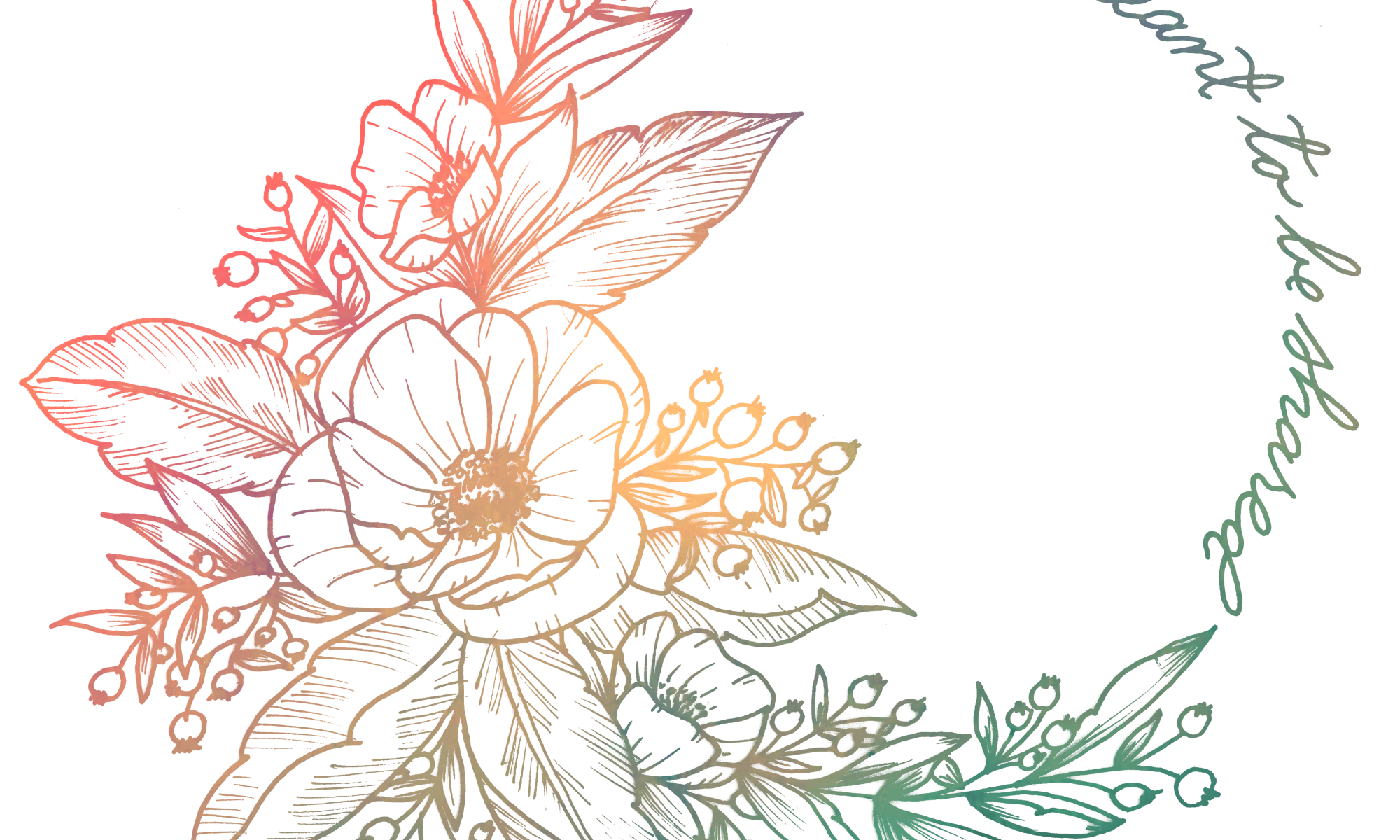
Lately, I’ve been practicing the sketch to digitization process. It’s typically something floral with a phrase or saying that’s stuck in my head. Yesterday, it was the phrase “life is meant to be shared,” that wouldn’t stop echoing. Someone had casually commented that to me at a coffee shop and it really stuck with me, probably because I’m currently trying to figure out how to share my life with someone while continuing to transform myself and what that transformation should look like. Do I chase money? Do I chase early retirement? Do I chase a 529 fund or do I chase personal education? In the end, I’m simply chasing a deep sense of satisfaction, and while I don’t know what that means I’ll do, I know who I’ll do it with. The who is the easiest part for me.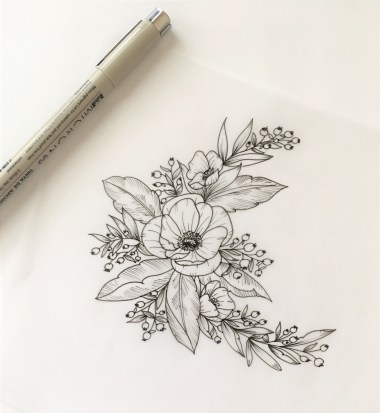
I started by realizing I wanted to draw a wreath but was too lazy to get off the couch to draw a perfect circle. Looking around, I realized I had a water glass in front of me, so I finished my water and traced the rim on a piece of scrap printed paper. Next, I drew in sketchy circles where the flowers would be placed. After that, I must’ve gone through 8 or-so iterations before I got the look finalized and it was time to ink!
When I ink, I have a tendency to screw something up. I like to use my microns to trace the basics, then scan the image. Then add depth to the flowers and scan it in. Rinse, repeat. I figure this helps save me time in the long wrong, because if I do screw up, I can print out the image and start tracing from there. If I don’t mess up, I’m not wasting time remaking all the intermediate steps.


Afterwards, I took my original sketch with the water glass outline, and simply wrote my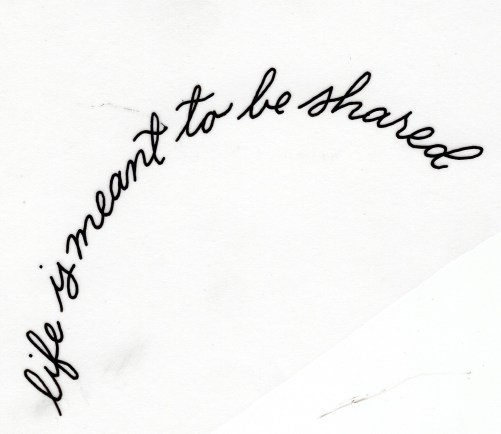 phrase again and again until I liked it, keeping in mind I can always rotate it in Photoshop during processing. I could’ve planned to snap to a circular grid and drawn it in a straight line, but I like that this was actually written in a round to begin with.
You can tell some touch-ups need to happen on the scans, so I erased smears, smudges, and dog hair where needed. I crop the unnecessary parts out, adjust the curves, and select only the black text to begin working on colorization.
After arranging the individual pieces how I like them, I move on to colorizing. For colorizing, I just made a quick rainbow watercolor painting and scanned it in. I don’t worry too terribly about how it looks, I can always change the color balance and levels afterwards.
I hide the watercolor background, select the white color range, then select the watercolor background (making the layer visible again), and erase all about the black lettering, and voila!

 Calligraphy by Danielle